
Capability map
IrfanView features explained for serious Windows workflows
This page translates long standing IrfanView strengths into practical categories: inspection, catalog navigation, device capture, performance behavior, plugins, and batch processing. Each block links to guides when troubleshooting is likely.
Deep image inspection and metadata
IrfanView exposes file facts that default viewers often hide. Editorial descriptions call out the image information dialog for path, dimensions, color depth, compression, DPI, and related fields. That depth helps when you need to confirm an export, compare two versions, or understand why a file looks different between apps.
- Status bar context while you pan and zoom
- Information dialog for technical validation
- Support for reading many legacy and modern still formats
Click the image to preview. Click X to close.
Click the image to preview. Click X to close.
Folder browsing and catalog style navigation
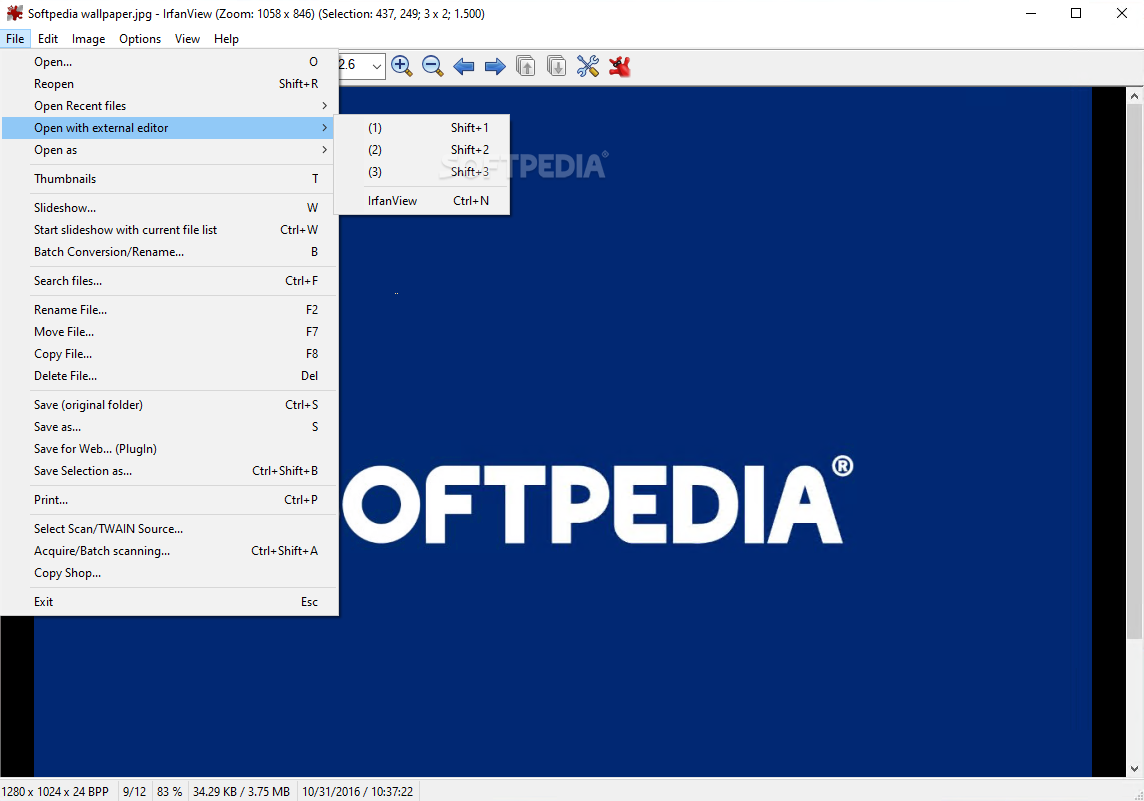
IrfanView is built around moving through directories quickly. Keyboard shortcuts, thumbnail modes, and slideshow playback are part of the same mental model: treat a folder like a roll of images rather than a single file at a time. This is where IrfanView often beats consumer viewers that optimize for one photo at a time from a cloud album.
Practical outcomes
- Faster triage when you inherit a large asset directory
- Predictable navigation for repetitive QA passes
- Slideshow mode for passive review on a second monitor
TWAIN, scanners, and device capture paths
Third party summaries mention TWAIN support as a differentiator for pulling images from scanners and compatible devices. In enterprise settings, driver quality matters as much as the viewer. IrfanView gives you a destination app once pixels land on disk, but you should still validate scanner profiles and color management expectations separately.
Operational notes
- Confirm vendor drivers before blaming the viewer
- Prefer short cable paths and powered hubs for stable capture
- Keep plugin packs aligned with your device output formats
Click the image to preview. Click X to close.
Click the image to preview. Click X to close.
Performance insights: zoom, resize, and large files
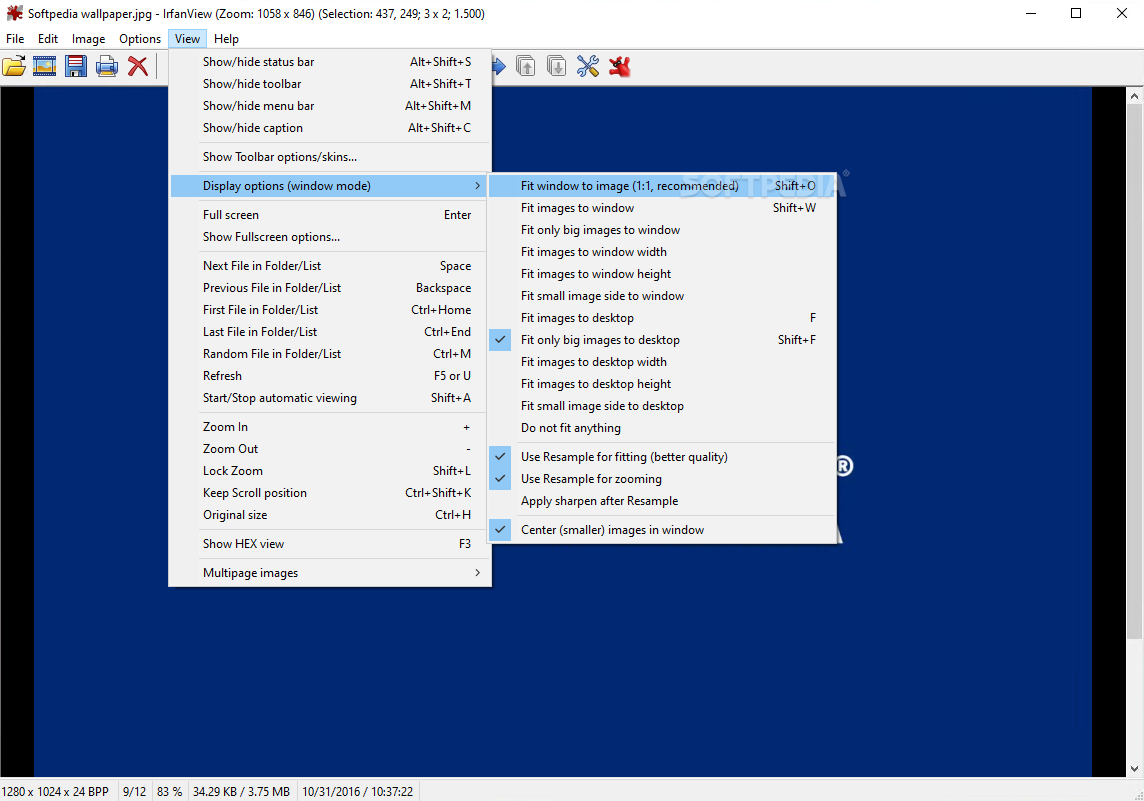
Reviews frequently mention smooth zooming and resizing with resampling tuned for viewing. That matters when you open camera originals or scanned archives where a consumer viewer might feel sluggish. Performance still depends on disk speed, file complexity, and filters you enable, so treat claims as directional, not a guarantee on every machine.
What to watch
- Memory use when chaining large operations
- Plugin cost when decoding proprietary raw variants
- Disk contention when batch jobs compete with indexing services
Plugin support and format extensions
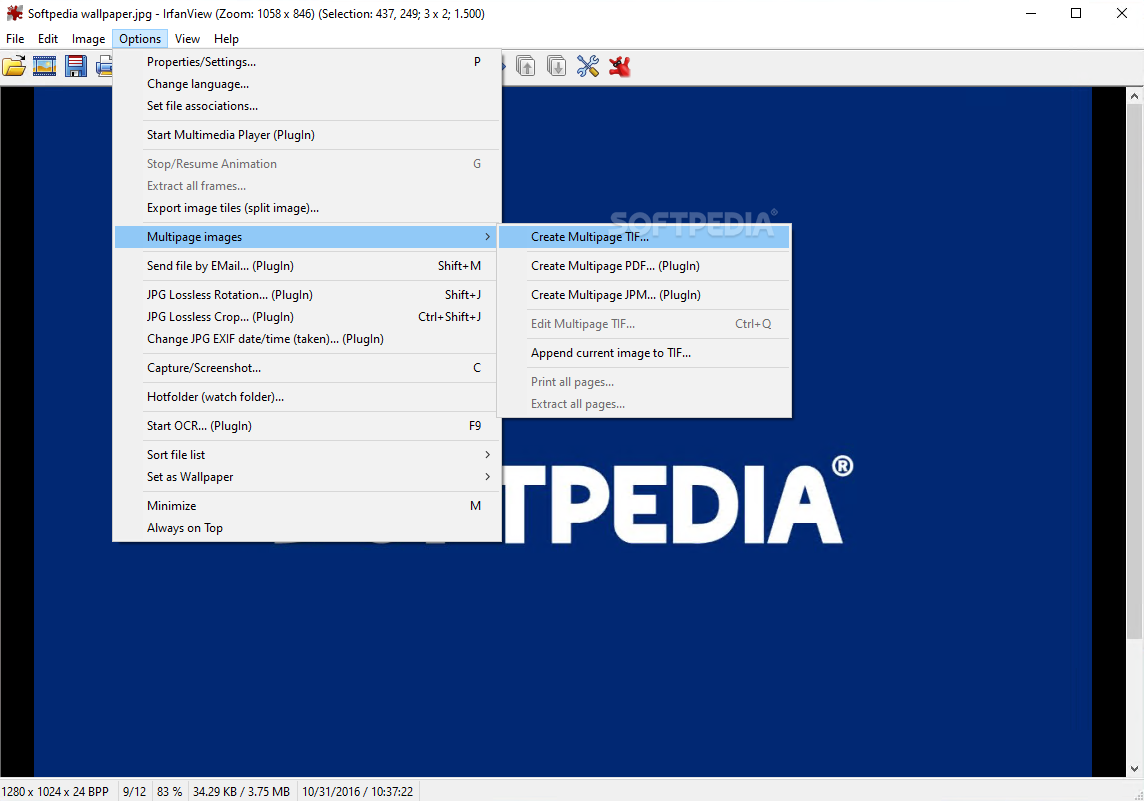
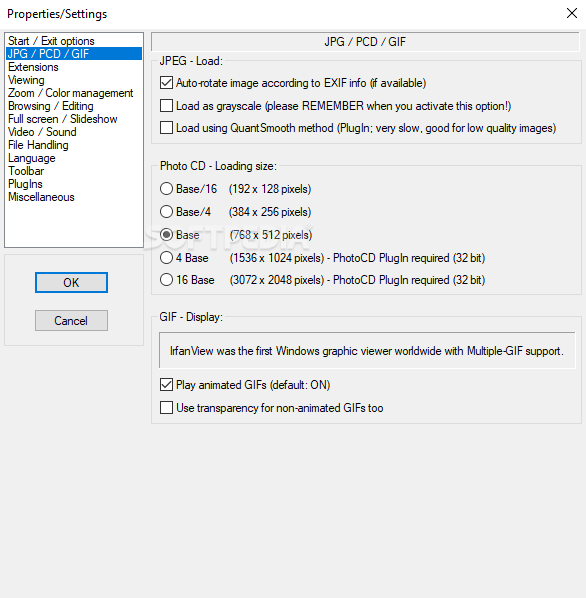
IrfanView’s plugin model is part of its longevity. Summaries note that many formats and helpers ship as add ons rather than bloating the base installer. That keeps the default program smaller, but it also means you must plan plugin deployment when you standardize formats across a team.
Deployment checklist
- Match plugin bundle version to the viewer build
- Document which formats require which plugin
- Retest after Windows feature updates that touch codecs
Click the image to preview. Click X to close.
Batch conversion and repetitive edits
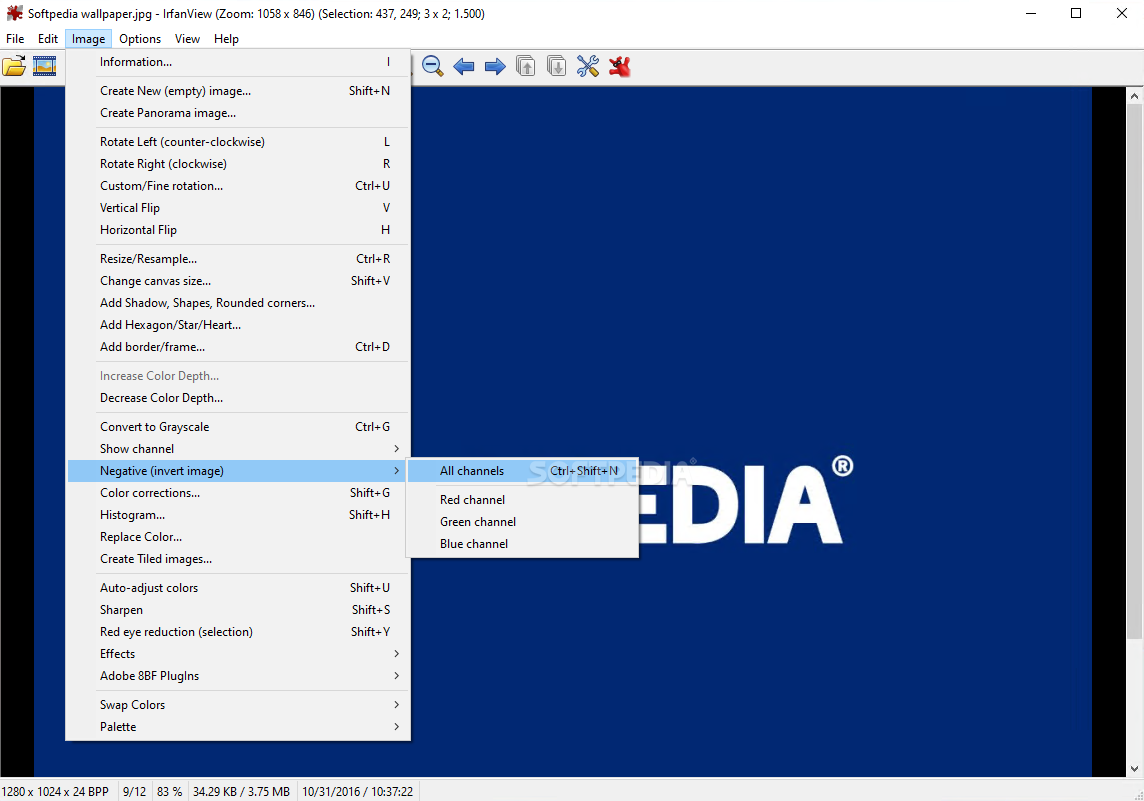
Editorial reviews emphasize batch processing for resize, rename, and corrections across folders. This is a core reason teams keep IrfanView available even when they also own heavier creative suites. Pair batch jobs with backups first, then validate output sampling before you delete sources.
Guide: batch best practices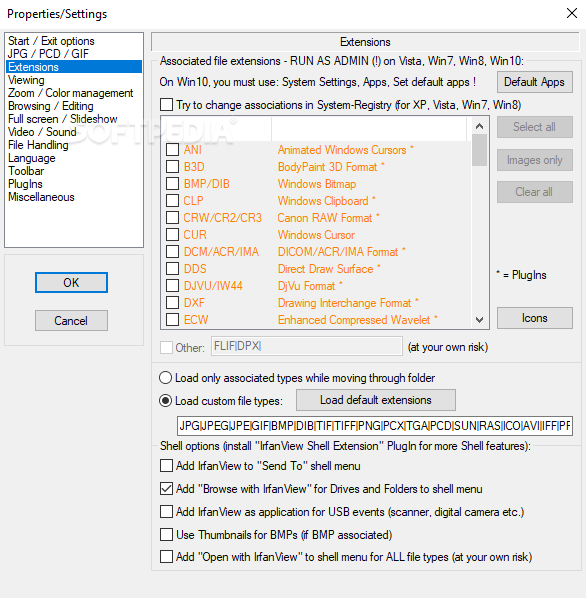
Click the image to preview. Click X to close.